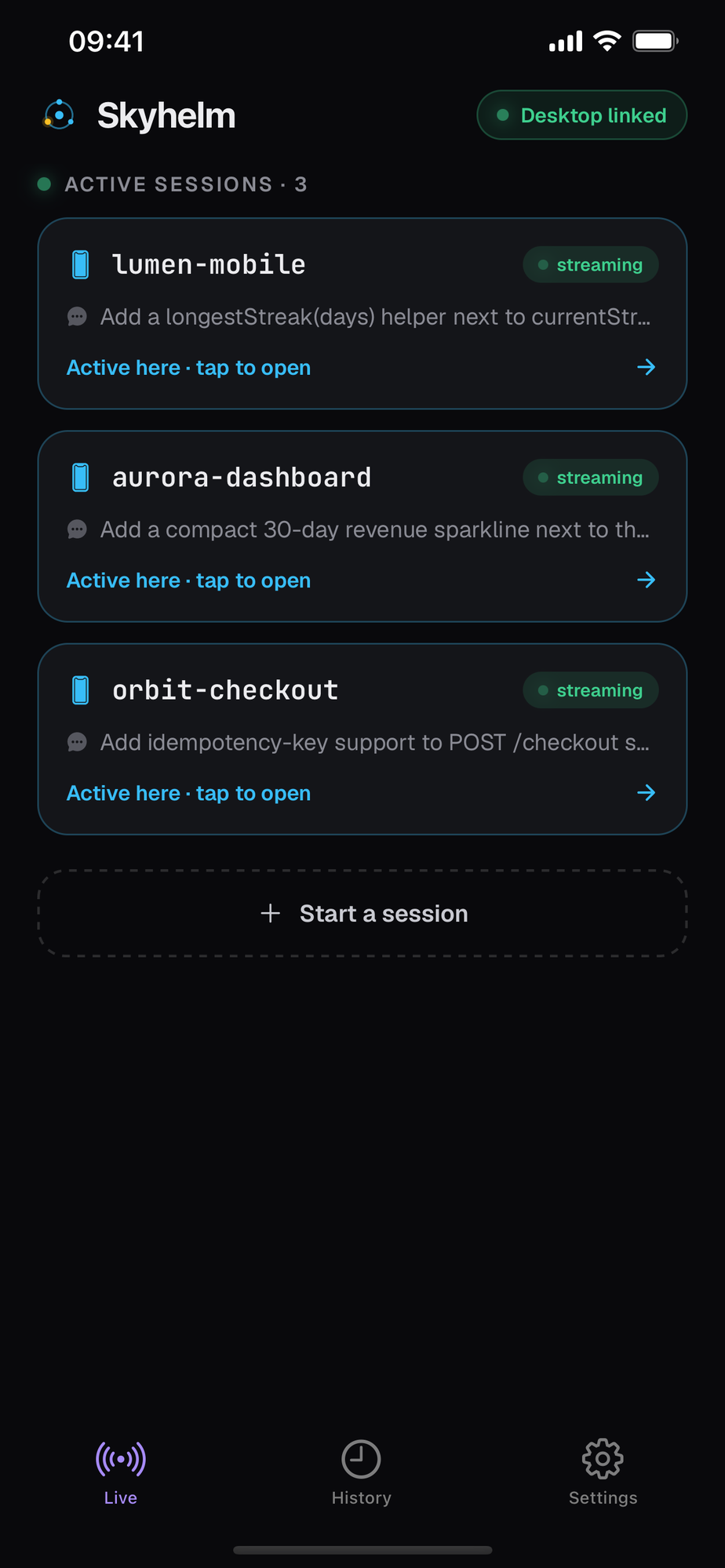
Mac to iPhone in two minutes.
Skyhelm runs a small always-on agent next to your coding agents — install it with one command, then pair your iPhone.
brew install --cask mysticek/skyhelm/skyhelmbrew install mysticek/skyhelm/skyhelm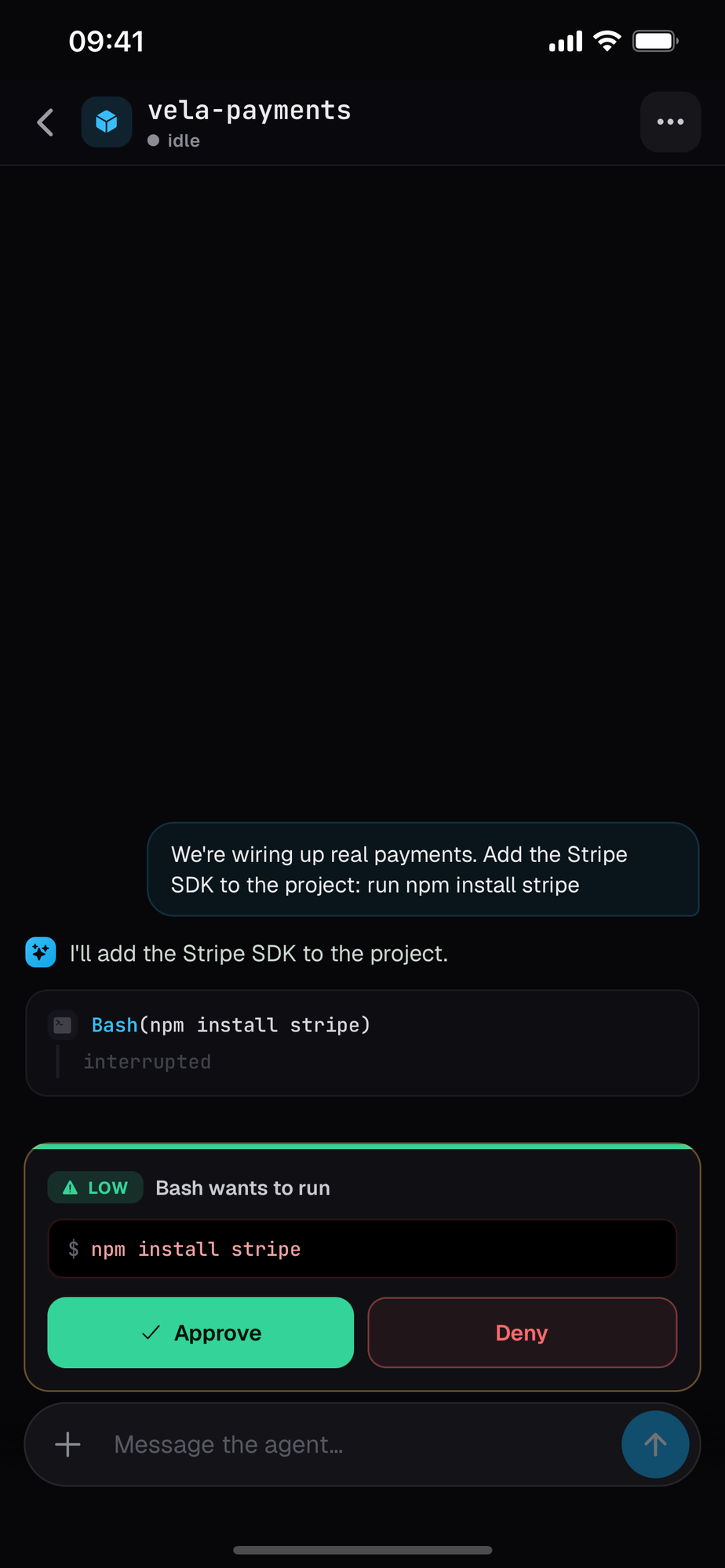
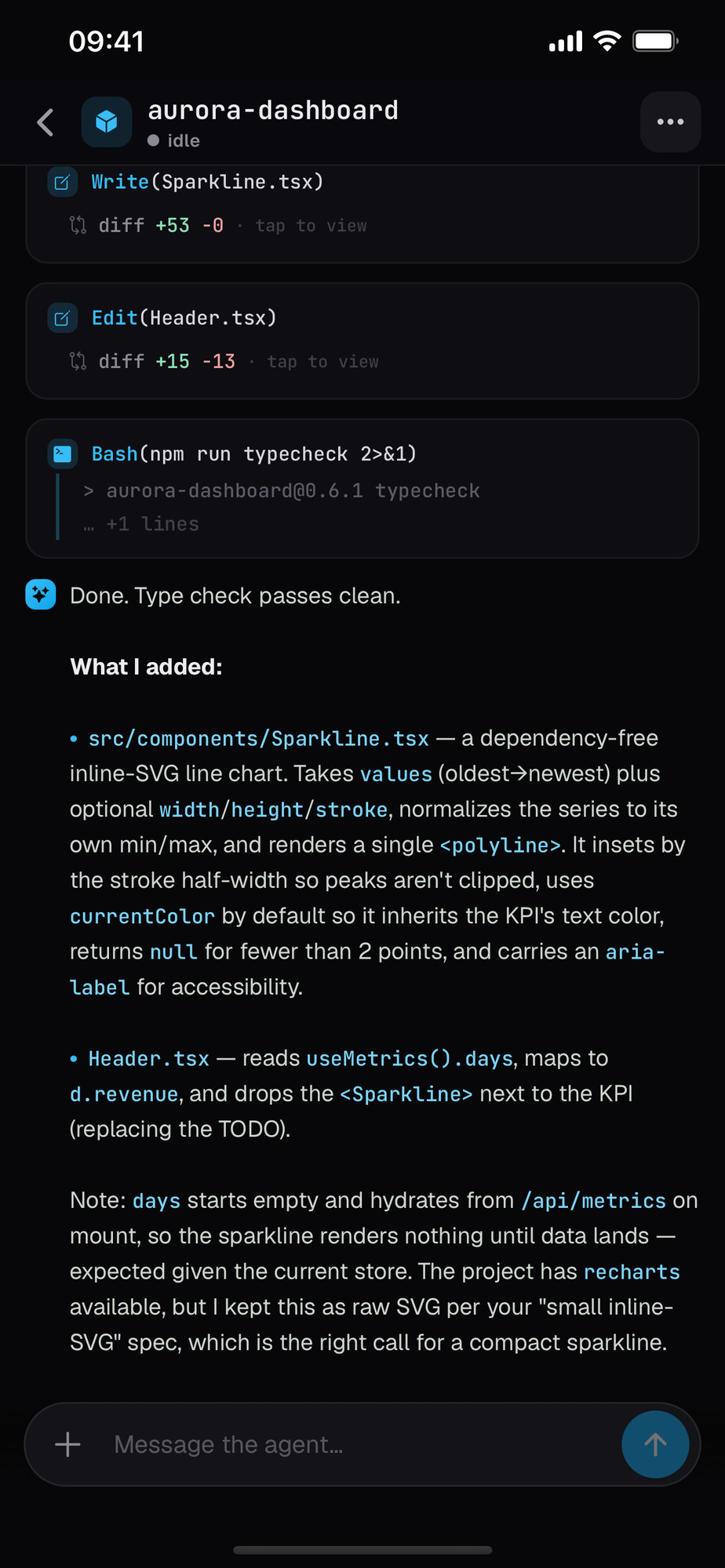
See every agent, live.
Full terminal output in your pocket — every command, every file, streamed in real time — then distilled into a plain-language summary you can actually read on the go.
Approve from anywhere.
Push notifications reach you the moment an agent needs a decision — even when the app is closed. Deny in a tap, or open to review — the run continues. No terminal, no desk required.
A readout in your menu bar.
Skyhelm.app sits in the menu bar and answers four questions at a glance: is it running, how is it reachable, who's connected, and what's running where. One glyph turns amber the moment an agent needs you.
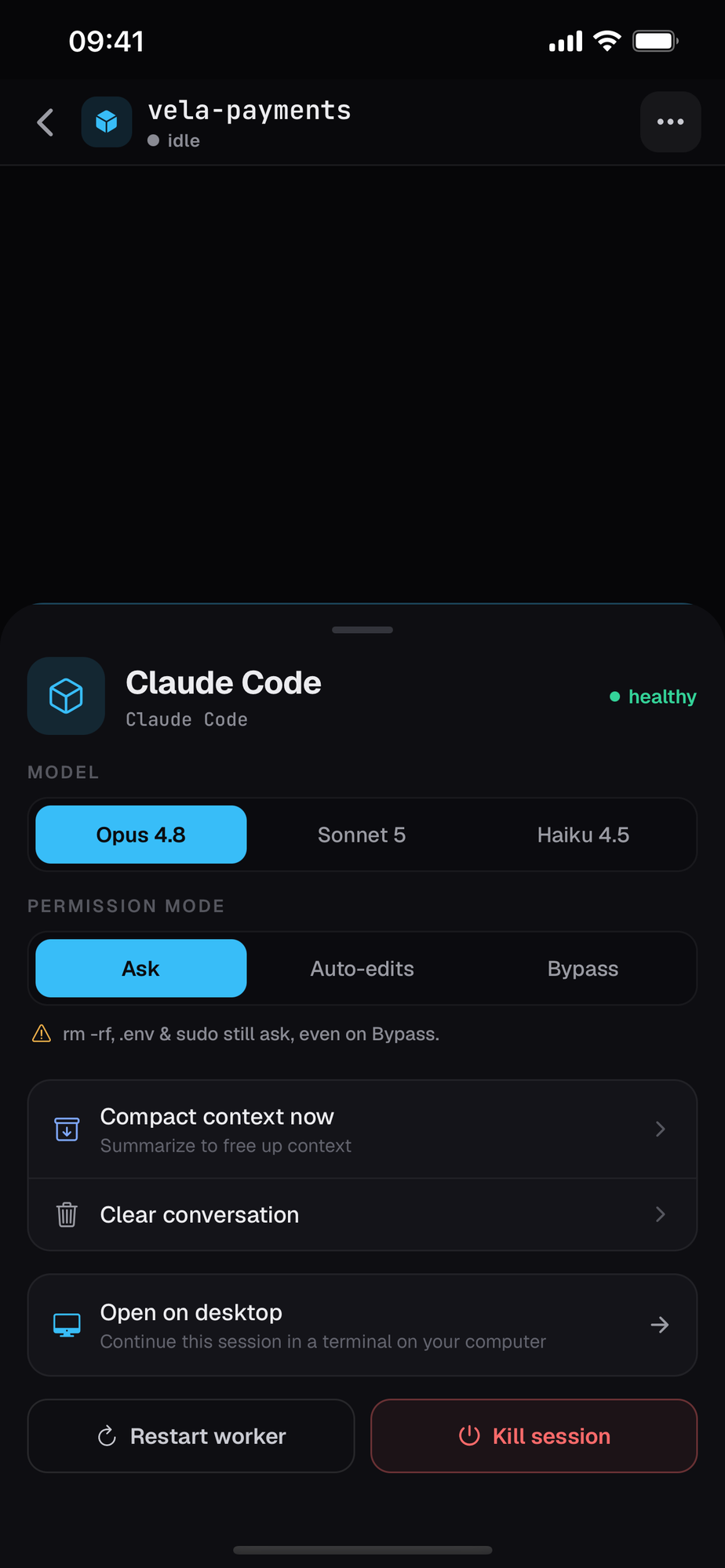
Your machine, your keys.
Skyhelm runs on your own computer and phone. Devices are authorized on your network — a stolen account, on its own, reaches nothing. The relay only ever forwards sealed data.
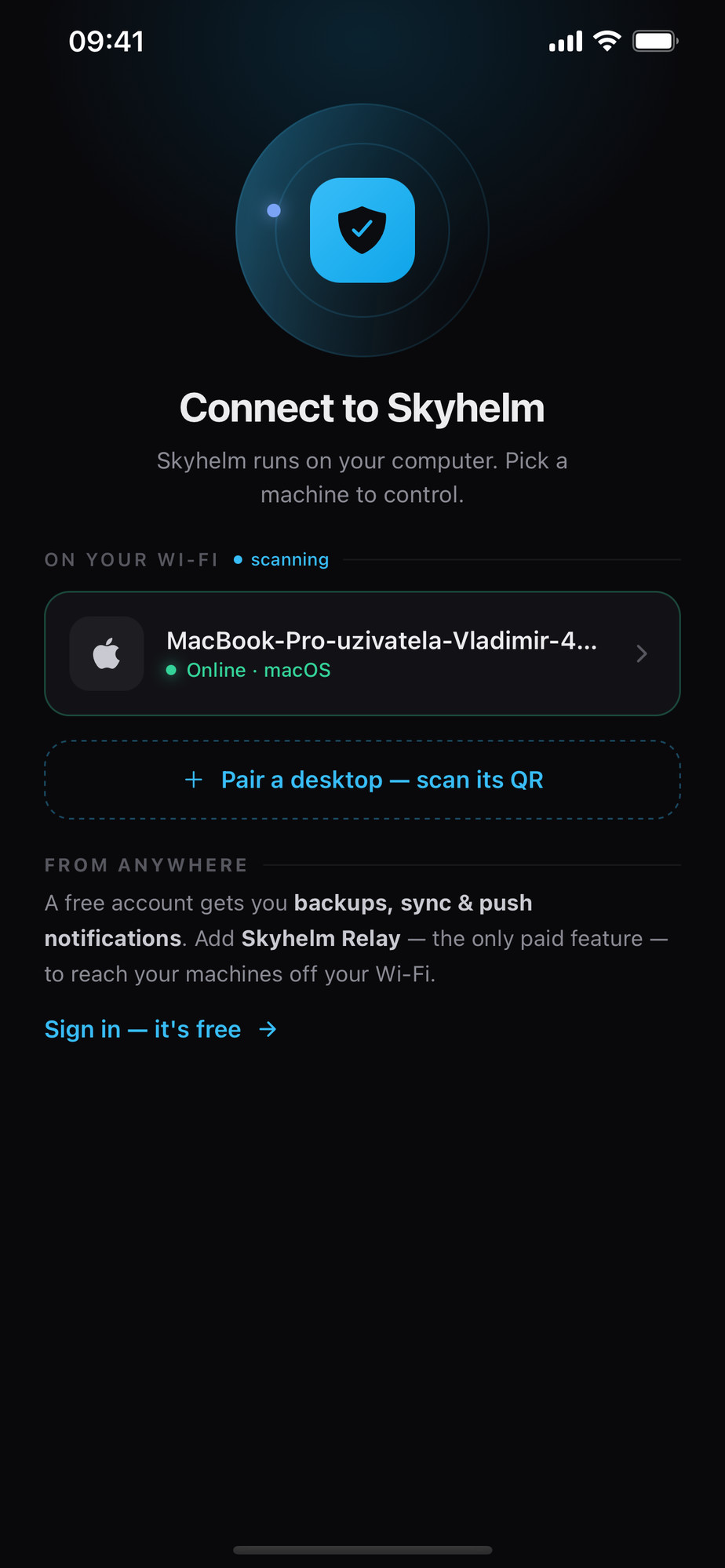
Free on your network.
A little more, from anywhere.
Built in the open.
One line from shipped to dreamed-up — updated as we ship.
Questions, answered.
Get in touch
Questions? Say hello — we'll get back to you.